Linked Duplicate Blender Objects
One can reuse the data (eg. mesh, bmesh, light, camera, etc.) of an existing Blender object
in other new Blender objects using the function duplicate_linked().
In the most common use case, this data is a mesh. The resulting Blender objects then share the same mesh,
which can be modified (for exemple in edit mode) to affect all the objects simultaneously.
In order to place the newly created objects in space, a list of 4x4 matrices reprensenting
the transformations from the original object must be passed.
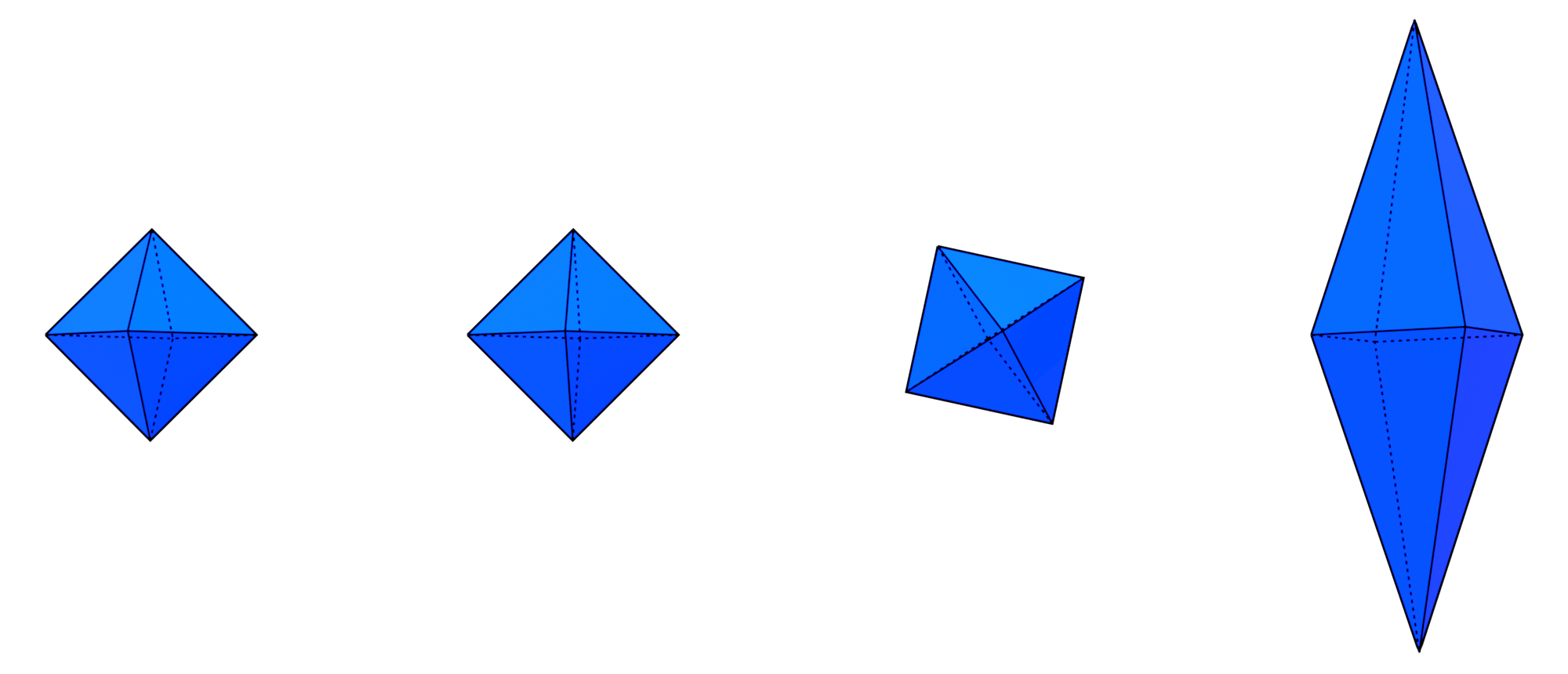
In this example we create 3 linked duplicates of an octahedron. The first is just translated, the second is rotated and the last is scaled.
>>> import ddg
>>> import numpy as np
>>> import ddg.datastructures.halfedge.surface_generator as gen
>>> from ddg.visualization.blender.mesh import duplicate_linked
>>> from ddg.visualization.blender import matrix
>>> obj = gen.octahedron()
>>> bobj = ddg.to_blender_object_helper(obj)
>>> xTranslation = np.array([[1, 0, 0, 4], [0, 1, 0, 0], [0, 0, 1, 0], [0, 0, 0, 1]])
>>> rotation = matrix.rotation_angle_axis((0, 1, 0))
>>> scaling = np.array(
...     [[1, 0, 0, 0], [0, 2, 0, 0], [0, 0, 3, 0], [0, 0, 0, 1]]
... )
>>> matrices = [
...     xTranslation,
...     xTranslation @ xTranslation @ rotation,
...     xTranslation @ xTranslation @ xTranslation @ scaling,
... ]
>>> duplicates = duplicate_linked(bobj, matrices)
In the most common use case, this data is a mesh. The resulting Blender objects then share the same mesh, which can be modified (for exemple in edit mode) to affect all the objects simultaneously. In order to place the newly created objects in space, a list of 4x4 matrices reprensenting the transformations from the original object must be passed.
The result can be seen here :
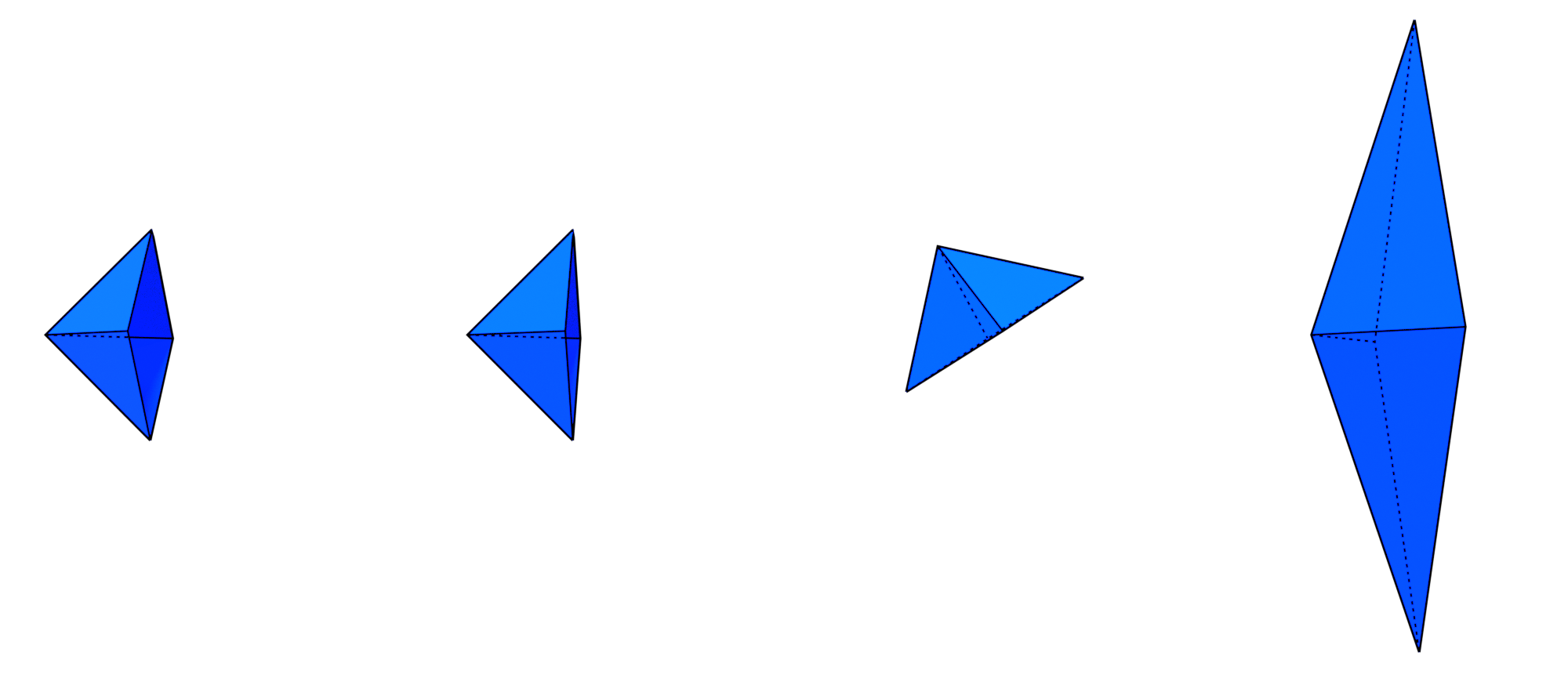
We can then modify the mesh (here we removed a vertex):