Freestyle tricks
Setting up freestyle in a script
Freestyle is not enabled by default in Blender. Here is an example snippet of code to enable it and to set some basic options that are particularly suited to the curve example below.
bpy.context.scene.render.use_freestyle = True

fs = bpy.context.view_layer.freestyle_settings
ls = fs.linesets[0]

# Set this to True if you want
fs.as_render_pass = False

# Set these as needed
ls.select_by_visibility = True
ls.select_edge_mark = True
ls.select_silhouette = False
ls.select_crease = False
ls.select_border = False
ls.select_contour = False
ls.select_external_contour = False
ls.select_material_boundary = False
ls.select_suggestive_contour = False
ls.select_ridge_valley = False

# Make the freestyle line yellow
ls.linestyle.color = (1, 1, 0)
# Use dashed line. There are more dashes and gaps that can be changed.
ls.linestyle.use_dashed_line = True
ls.linestyle.dash1 = 10
ls.linestyle.gap1 = 8
Some relevant blender documentation pages to look for more options are bpy.types.FreestyleSettings, bpy.types.FreestyleLineSet and bpy.types.FreestyleLineStyle.
Of course you can also play with all of this in the Blender GUI, in the Render
Properties and View Layer Properties panels.
Enabling freestyle for curves
One of Blender’s many quirks is that freestyle does not work for curves or edges of a
mesh which do not belong to a large enough face. But we can trick blender by creating
tiny faces and marking one of the two edges as freestyle. This is what the function
ddg.blender.freestyle.freestylify_curve() does:
- ddg.blender.freestyle.freestylify_curve(curve)[source]
Enable freestyle on edges of a curve (hacky).
This function is a workaround for the problem that freestyle doesn’t work on edges that don’t belong to a large enough face. The function works by extruding all edges of the curve and slightly nudging the newly created vertices. It then enables freestyle on one edge of each newly created edge pair.
The original curve is not altered. Creates a copy with freestyle “enabled” and links it to the original curve’s collection, or the current scene collection if curve is not linked to a collection.
- Parameters:
- curvebpy.types.Object
Curve or 1D mesh
- Returns:
- bpy.types.Object
Freestylified clone of curve. This is always a mesh object.
Notes
Blender will output a bunch of “Warning: degenerated triangle detected, correcting” warnings. The nudge amount does not seem to influence this.
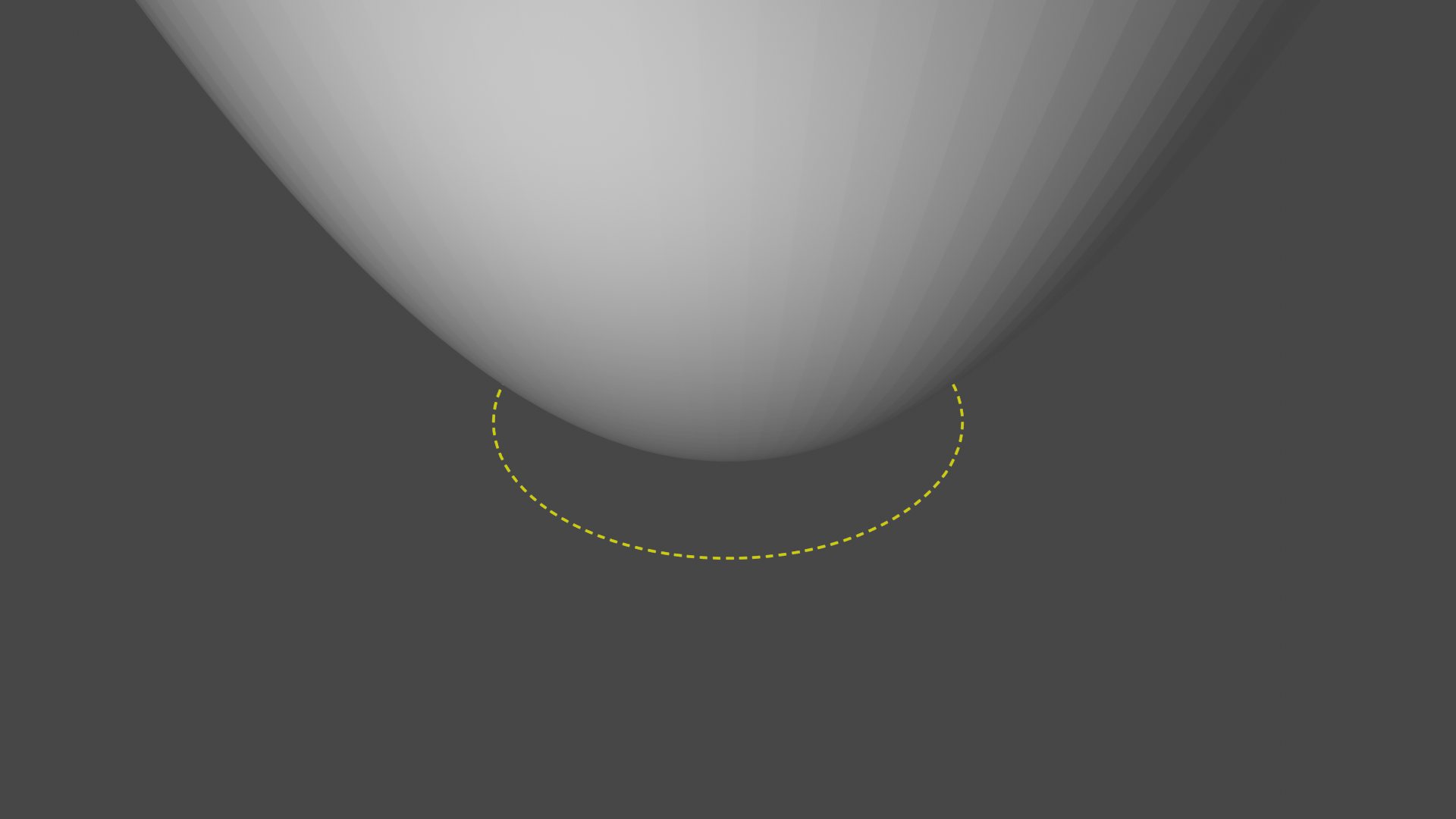
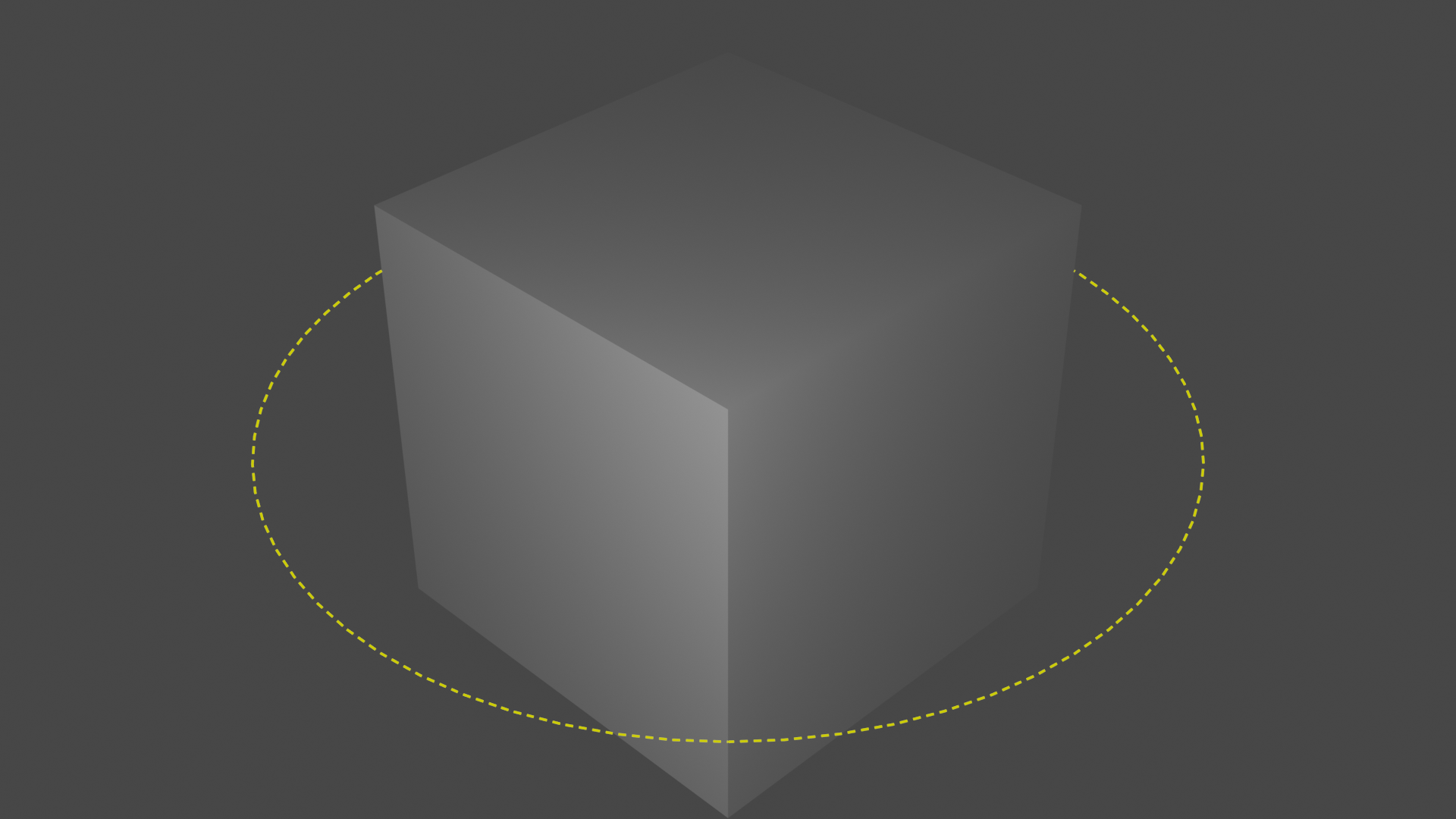
The function can handle both polygonal curves and 1D mesh objects. Here are two functions that can set up examples for either case for you:
def curve_example():
    circle = ddg.geometry.quadrics.Quadric(np.diag([1, 1, -1]))
    M = ddg.math.symmetric_matrices.AffineSignature(
        3, 1, 0, last_entry="parabolic"
    ).matrix
    paraboloid = ddg.geometry.quadrics.Quadric(M)
    # Make paraboloid point upward instead of downward
    paraboloid.transform(np.diag([1, 1, -1, 1]))
    ddg.blender.convert(paraboloid, "paraboloid", surface_sampling=(100, 0.05))
    sn = ddg.to_smooth_net(circle)
    dn = ddg.sample_smooth_net(sn, sampling=[0.05, 100, "c"])
    dn = ddg.datastructures.nets.utils.embed(dn)
    return ddg.blender.convert(dn)
def mesh_example():
    bpy.ops.mesh.primitive_cube_add()
    bpy.ops.mesh.primitive_circle_add(vertices=64, radius=2)
    return bpy.context.scene.objects["Circle"]
Note
When generating blender object for curves, we have set curve_properties={}. Having
a curve blender object with any sort of properties will generate freestyle borders for
a tube instead!
The following code will then enable freestyle on the edges of the curve and hide the original curve in the render. You might or might not want to hide the original curve, depending on your situation.
curve = curve_example()  # use mesh_example() for the other example
ddg.blender.freestyle.freestylify_curve(curve)
curve.hide_render = True
Now we can do a little bit of camera and light setup:
camera = ddg.blender.camera.camera(location=(5, 5, 5))
ddg.blender.camera.look_at_point(camera, (0, 0, 0))
light = ddg.blender.light.light(location=(3, 2, 2), type_="POINT", energy=80)
and we end up with these pictures for the curve and mesh examples:
Exporting freestyle edges as SVG
Check out the Freestye SVG Exporter plugin. Everything is explained there.