Camera and Light
To render a picture, you need to add one or multiple camera and light objects to the scene. This guide explains how to add and move (within) them.
from ddg.blender.camera import camera
from ddg.blender.light import light

camera_bobj = camera(location=(8, 8, 2))
light_bobj = light(location=(5, 0, 2))
bpy.context.scene.camera = camera_bobj
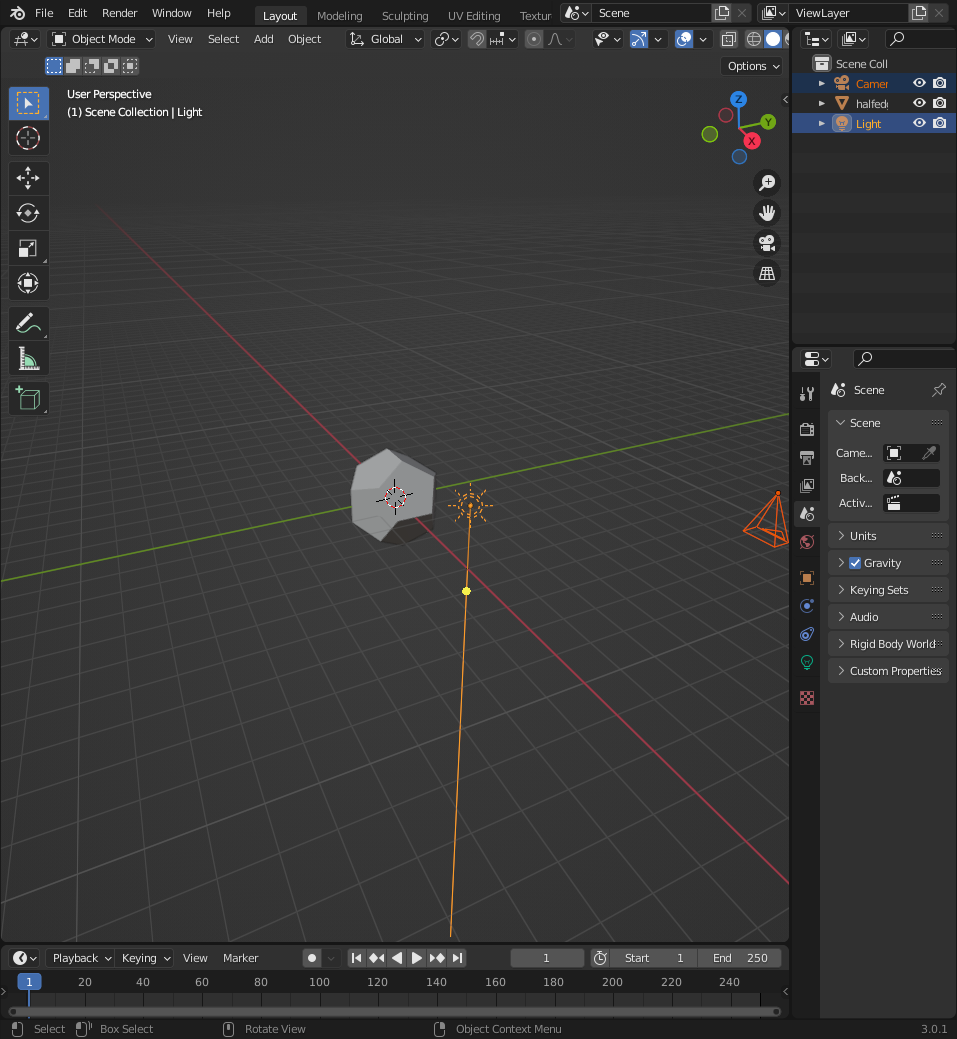
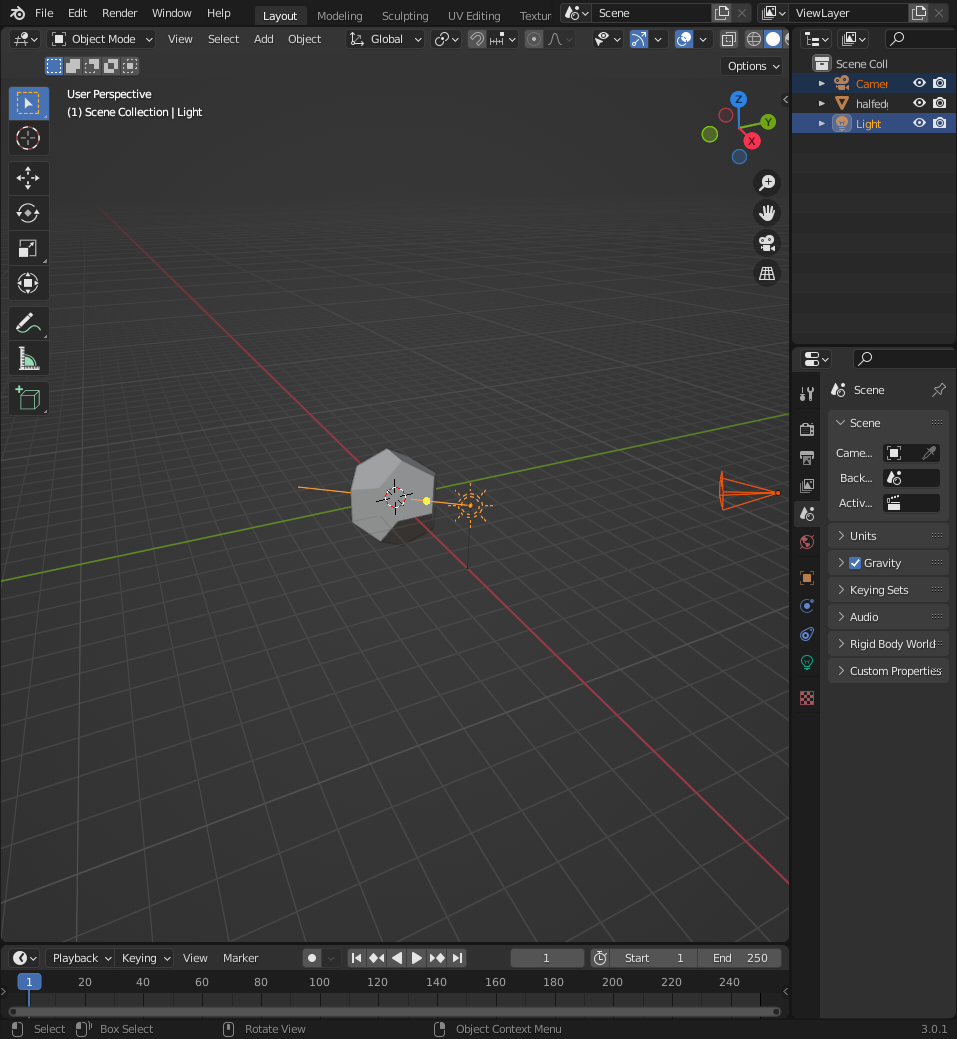
As you see, our camera and light are not well oriented yet. We can fix this with the function look_at_point(). (See Orienting Objects)
from ddg.blender.camera import look_at_point as look_at_point_for_camera
from ddg.blender.light import look_at_point as look_at_point_for_light

look_at_point_for_camera(camera_bobj, (0, 0, 0))
look_at_point_for_light(light_bobj, (0, 0, 0))