Getting started with Blender
To open up blender simply type
path-to-blender/blender-X.XX-linux64/blender
in your console where you replace your local path to blender and your current distribution number. If you changed your current working directory to the folder where blender is located in you can run blender with
path-to-blender/blender-X.XX-linux64$ ./blender
import ddg
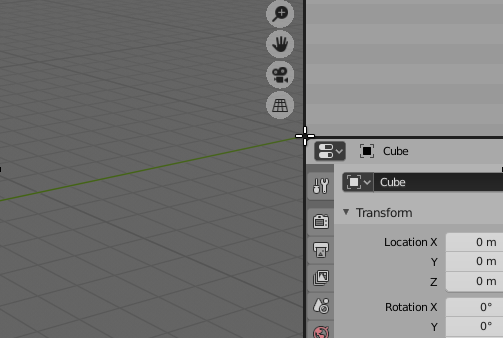
To start scripting within blender you can open a new panel by moving the cursor between any open panel and right clicking to e.g. split vertically
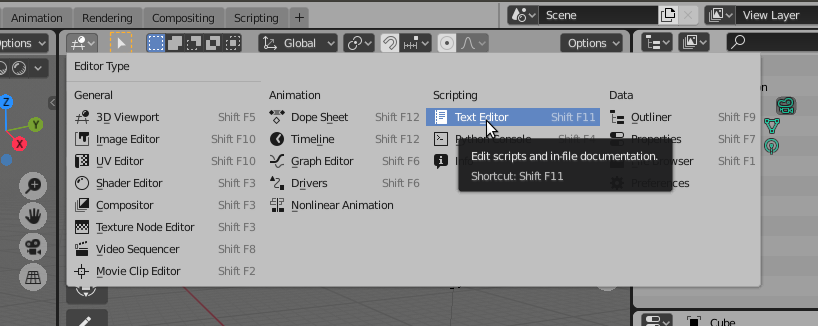
On the top left of the new panel we set the editor type to ‘Text Editor’ (Shift F11) and create a new file by selecting ‘+ New’ in the top bar.
In the script file will usually start with importing bpy and all the modules we need for example
>>> import bpy
>>> import ddg.visualization.blender.clear as clear
To clear the scene when running the code several times we use
>>> clear.clear_scene(deep = True)