Visualizing Spheres
See also
Visualizing ddg objects in Blender for a
general guide on visualization of ddg objects in Blender and
usage of to_blender_object()
and to_blender_object_helper().
Circles and 2D spheres in Euclidean 3D space can be visualized in Blender.
For this, a SphereLike needs to be
converted to a
SmoothNet
(SmoothCurve).
This has to be converted to a DiscreteNet (or a
DiscreteCurve), which is achieved by sampling.
This conversion and sampling can be done
manually and the DiscreteNet
can be handed to to_blender_object(). Alternatively,
SphereLike can be handed to
to_blender_object_helper() which combines the
conversion, the sampling and the call of to_blender_object().
Note
Another possible way to visualize a 2d sphere is to convert it to an
icosphere, which is a halfedge surface.
This can be done using the function
to_halfedge().
The icosphere can then be visualized in Blender using
to_blender_object(), see
also Visualizing halfedge objects in Blender.
This conversion is not (yet) part of this guide,
the internal conversion in
to_blender_object_helper()
is via SmoothNet and DiscreteNet.
Using to_blender_object
A Sphere can be converted to a
SmoothNet that can be sampled to a
DiscreteNet. The function
sample_smooth_net
requires a sampling.
>>> import ddg
>>> import numpy as np

>>> euc3d = ddg.geometry.euclidean(3)
>>> sphere = euc3d.sphere(np.array([3.0, 0.0, 1.0, 1.0]), 1.0)
>>> snet = ddg.to_smooth_net(sphere)
>>> dnet = ddg.sample_smooth_net(snet, sampling=[0.5, 10, "c"])
See also
The DiscreteNet can be visualized:
>>> blender_object = ddg.to_blender_object(dnet)
General arguments of the function to_blender_object() can
be found in its api documentation: to_blender_object().
There are additional arguments for the DiscreteNets depending on the dimension of the Sphere:
Options for DiscreteNet:
- boundingint (default=10)
Used to bound unbounded domains of nets.
- only_wirebool (default=False)
When True, only the wireframe of the net will be created.
Options for DiscreteCurve:
- boundingint (default=10)
Used to bound unbounded domains of nets.
- curve_typestring (default=’POLY’)
Blender curve type. See the Blender docs for all available types.
- curve_propertiesdictionary (default={‘bevel_depth’: 0.015})
Dictionary containing Blender curve properties. See the Blender docs for all available properties.
Options for PointNet:
- sphere_radiusfloat (default=0)
Radius of the sphere representing a point.
- sphere_subdivisionint (default=3)
How many subdivisions will be applied to the sphere.
See also
Using to_blender_object_helper
The function to_blender_object_helper()
combines the following
easy handling of commonly used keyword arguments
conversion to objects that can be visualized
calling the function
to_blender_object().
A Sphere can be handed directly to
to_blender_object_helper() together with a
sampling.
>>> subspace = ddg.geometry.subspaces.subspace_from_affine_points(
...     (0, 0, 0), (1, 0, 0), (0, 1, 0)
... )
>>> blender_object = ddg.to_blender_object_helper(subspace, sampling=[0.5, 10, "c"])
General arguments of the function to_blender_object_helper() can
be found in its api documentation: to_blender_object_helper().
There are additional arguments for the (converted) Nets depending on the dimension of the Sphere:
Options for SmoothNet:
- samplinglist, int or float
See
ddg.datastructures.nets.conversion.sample_smooth_domain().- anchorlist or None
Anchor point for sampling process.
- atollist, int or float
Tolerance(s) for sampling process.
Options for DiscreteNet:
- boundingint (default=10)
Used to bound unbounded domains of nets.
- only_wirebool (default=False)
When True, only the wireframe of the net will be created.
Options for DiscreteCurve:
- boundingint (default=10)
Used to bound unbounded domains of nets.
- curve_typestring (default=’POLY’)
Blender curve type. See the Blender docs for all available types.
- curve_propertiesdictionary (default={‘bevel_depth’: 0.015})
Dictionary containing Blender curve properties. See the Blender docs for all available properties.
Options for PointNet:
- sphere_radiusfloat (default=0)
Radius of the sphere representing a point.
- sphere_subdivisionint (default=3)
How many subdivisions will be applied to the sphere.
See also
Examples
An example script of creating a circle and visualizing it in Blender:
>>> P1 = np.array([12.0, 0.0, 1.0, 1.0])
>>> P2 = np.array([0.0, 9.0, 1.0, 1.0])
>>> P3 = np.array([1.0, 5.0, 4.0, 7.0])
>>> center = P1 - P3
>>> euc3d = ddg.geometry.euclidean(3)
>>> circle = euc3d.sphere(center, 1.0, subspace=[P1, P2, P3])
>>> snet = ddg.to_smooth_net(circle)
>>> dnet = ddg.sample_smooth_net(snet, sampling=[0.5, 10, "c"])
>>> ddg.to_blender_object_helper(dnet)
bpy.data.objects['SmoothCurve']
Two example renderings:
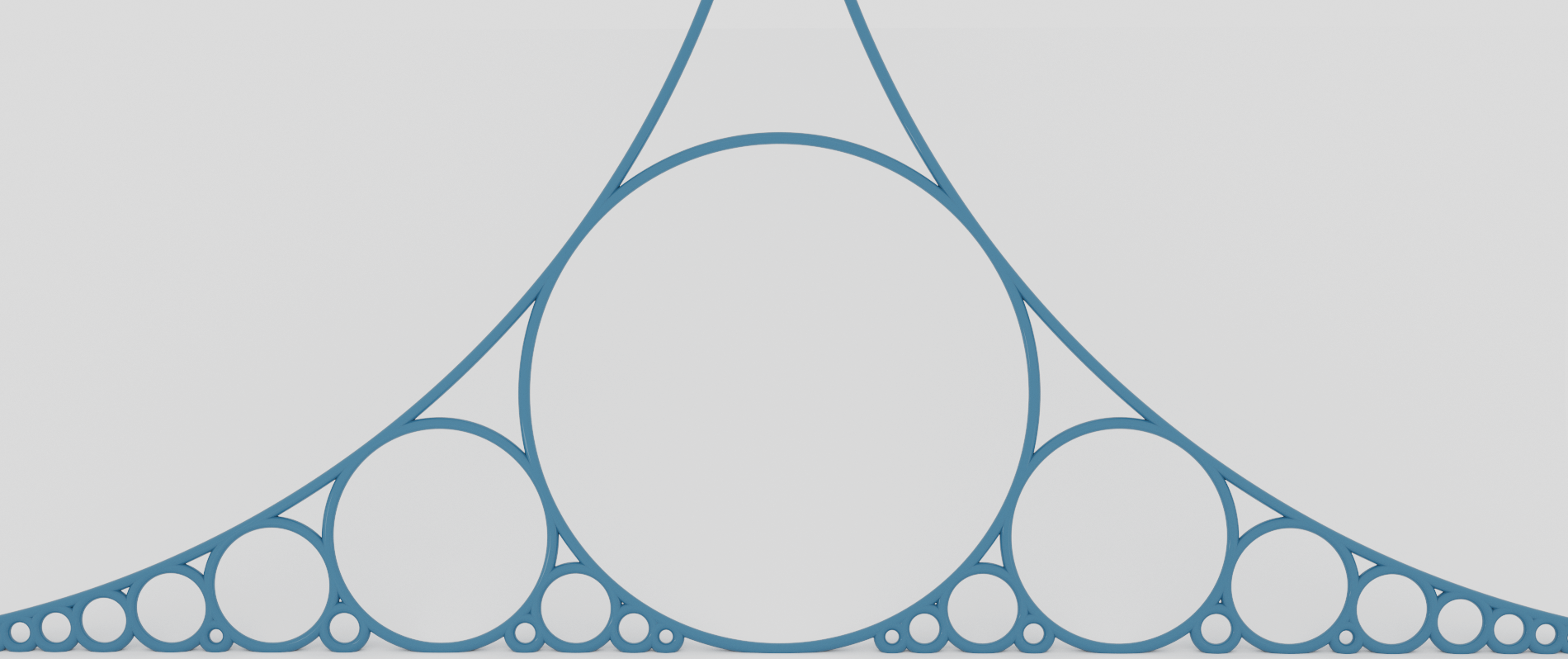
A render of Ford circles using smooth nets.
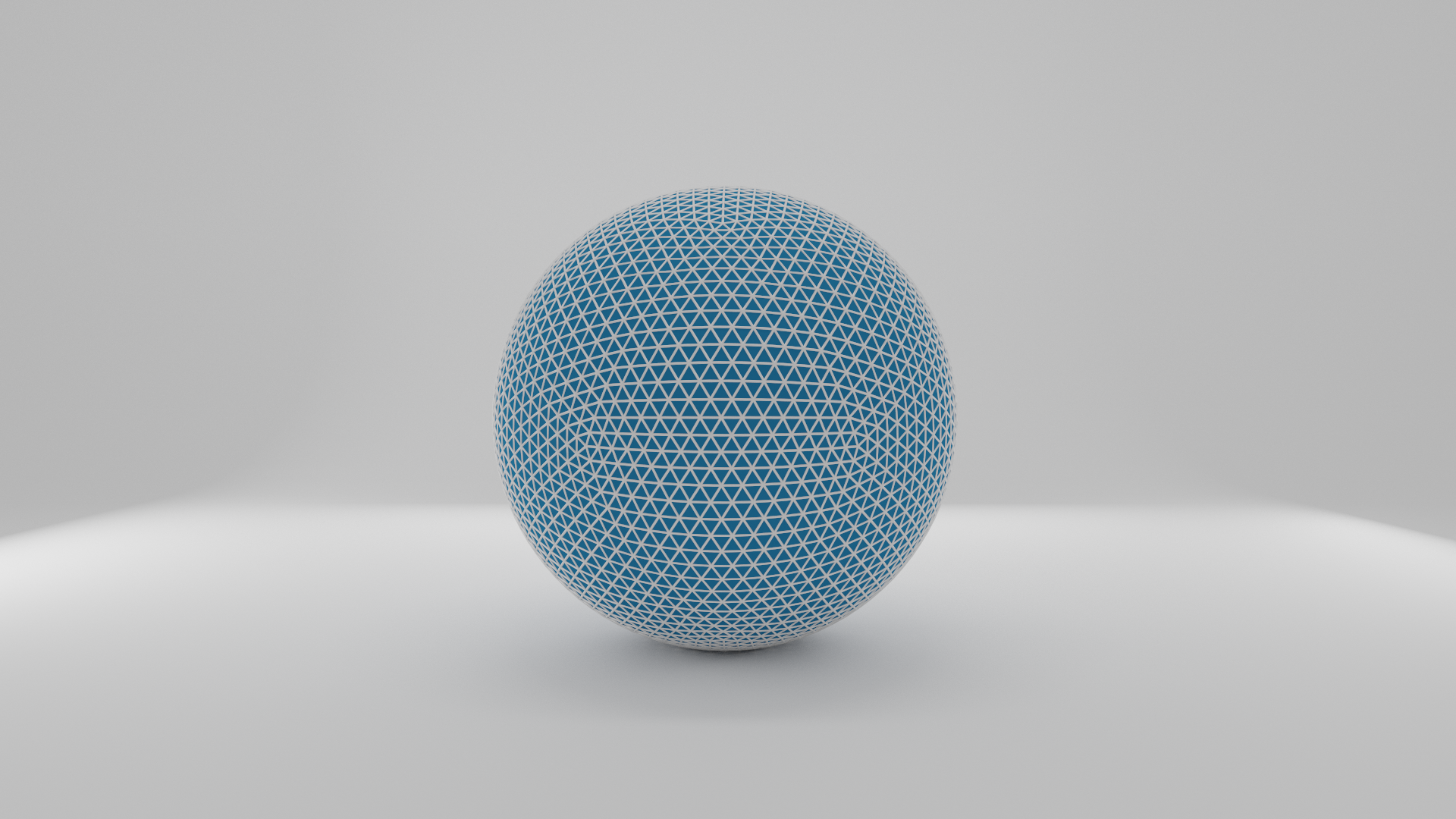
A wireframe render of an icosphere (a Sphere converted to a halfedge object).